Resize photos to the exact size.
Get your photo and signature to the exact size your portal asks for, or compress, resize, crop and convert any image. It all happens in your browser. Nothing is uploaded.
- Tools
- 6
- Portals
- 2
- Photos uploaded
- 0
- Languages
- 2
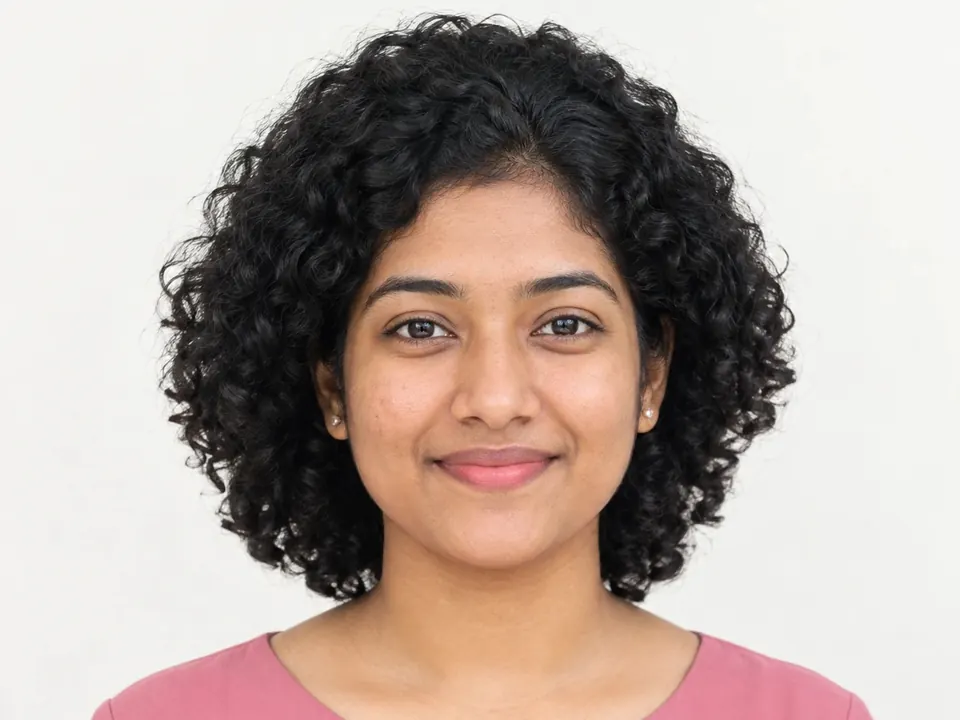
From the photo on your phone to the size the portal wants.
One photo, four steps, all on your device. The sizes are Govt job's real rules.
Your photo
Any photo of you, as it is
1254 × 1254 px · 156.3 KBFramed
Face found, box set to the portal's shape
1:1Resized
Exactly the portal's pixels
300 × 300 pxFitted
Under the file limit, every rule checked
84 of 100 KB
Everything your image needs.
Six tools that work the same way: pick an image, choose what you need, download. Your image never leaves your device.
Photo and signature resizer
Get your photo and signature to the exact size a job or admission form asks for.
Compress image
Make an image file smaller, by quality or to a target size in KB.
Resize image
Change the size in pixels, percent, or centimetres and inches.
Crop image
Crop freely, or to 1:1, 4:3, 16:9 and more.
Convert image
Change the format to JPG, PNG or WebP.
Background remover
Remove the background from a photo of a person, or put a colour behind them.
Job and admission photos
Pick what you're applying for and get the exact size it asks for.
Your photos never leave your device.
ChobiKit does all its work inside your browser. Your images are not sent anywhere, so they stay private, even on shared or public Wi-Fi.
- Works in your browserResizing, compressing and cleaning happen on your phone or computer.
- No sign-upOpen a tool and start. No account, no email.
- No watermarkEvery file you download is yours, clean and ready to upload.
- Open the photoon device
- Find the faceon device
- Crop and resizeon device
- Fit the file sizeon device
- Uploadnone · 0 bytes
Questions people ask
Is ChobiKit free?
Yes. Every tool is free to use, with no sign-up and no watermark.
Are my photos uploaded?
No. Every tool works inside your browser, so your photos and signatures never leave your phone or computer.
Which files can I use?
JPG, PNG, WebP, HEIC and AVIF, up to 20 MB. iPhone HEIC photos open in browsers that support them; iPhones usually turn photos into JPG when you pick them.
Will the portal accept my photo?
ChobiKit makes the exact pixel size and file size the portal asks for, and checks each rule before you download. The portal still looks at the photo itself, so use a clear, recent one.
Does it work on my phone?
Yes. ChobiKit is made for phones first and works in any up-to-date browser.
Can I use it in Bangla?
Yes. Choose বাংলা at the top of any page.
Your form is waiting. Your photo can be ready in a minute.
Pick your portal, choose a photo and download. No sign-up, nothing uploaded.